

Arknights: Endfield Pre-Download is LIVE – Cross-Save & Random UID
 January 20, 2026January 20, 2026
Arknight Endfield release date is set for January 22 at 11:00 (UTC+8). Pre-download is now officially open!
PlayStation®5, PC, Android, iOS, Epic Games players can install the game in advance, with full cross-platform progression support. Your UID will be unified and randomly generated across all platforms.
Visit Arknights: Endfield top-up page on Rushbuy.gg for cheap, fast, and secure Origeometry top-up!
Secure Your Gaming Top-Up with Smart Savings on Rushbuy.gg
※ Enjoy up to 32% off on Game Top-Ups.
※ Fast Delivery for Non-Stop Gaming.
※ Trusted 4.8/5 on Trustpilot, 10/10 among Players.
※ Official Partnership Route, Protect Your Game Wallet.
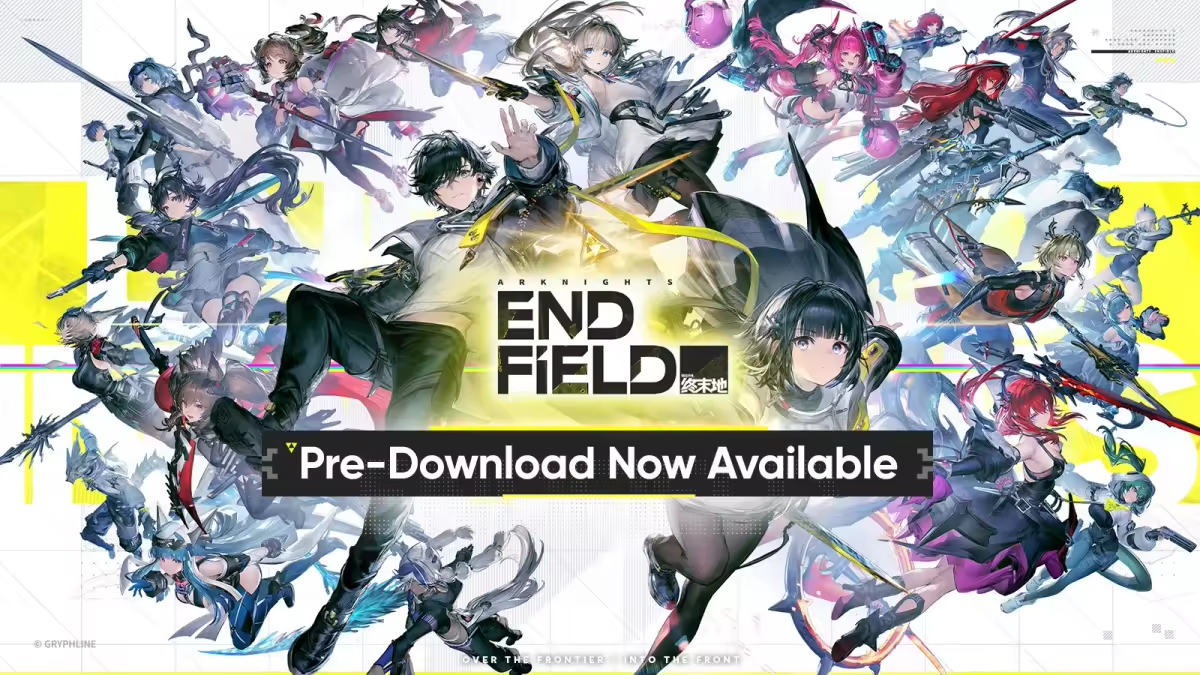
The game client is sizeable and demands relatively high device performance. Be sure to install early so you can jump right in at launch! Players whose devices don’t meet the specs can look forward to the upcoming cloud gaming version.
Download link here. We recommend getting it directly from the official website: https://endfield.gryphline.com/
Full Announcement Details(official notice): https://endfield.gryphline.com/en-us/news/9574
Dear Endministrator:
Arknights: Endfield pre-download is now available! You can download and install the game and its resources in advance. Due to the large download size, we recommend downloading over a stable Wi-Fi connection.
Arknights: Endfield will officially release worldwide on Jan. 22, 2026 at 11:00 AM (UTC+8) across all platforms. We look forward to seeing you on Talos-ll, Endministrator!
▼// About Pre-Download:
Available Platforms: PlayStation®5, PC, Android, iOS, Epic Games Store
About Cross-Platform Saves: Save data under the same account is synced across different platforms.
※ If your device still has an older Arknights: Endfield client from a previous test, we recommend uninstalling it before downloading the official release version.
※ If you have pre-ordered Arknights: Endfield on PlayStation™Store, you can search for the game on the PlayStationt™Store on PlayStation®5 to start pre-downloading.
▼//System Requirements
PC: 50GB or more free space (an additional 40GB is required when extracting files)
※ Install on an SSD for better gaming experiences.
iOS: 25GB or more free space
Android: 25GB or more free space
PS5: 60GB or more free space
For a smooth installation and gaming experience, please check out the following minimum and recommended system requirements:
[PC]
- System Requirements
Operating System:Windows 10 64-bit or Windows 11 64-bitDirectX Version: 11.1 or higher
- Processor
Recommended: Intel Core i7-10700K or equivalent or higherMinimum: Intel Core i5-9400F or equivalent
- GPU
Recommended: NViDlA GeForce RTX 2060 or equivalent or higher, with the latest GPU drivers installed
Minimum: NVIDlA GeForce GTX 1060 or equivalent
- RAM
Recommended: 16GB or higher
Minimum: 16GB
- Storage:
50GB or more free space (an additional 40GB is required when extracting files)
※ Install on an SSD for better gaming experiences.
[Android]
- Operating System
Recommended: Android 1.0, or HarmonyOS 4.0.0 or higher versions (HarmonyOS NEXT curently not supported)
Minimum: Android 10.0, or HarmonyOS 2.0.0 or higher versions (HarmonyOS NEXT currently not supported)
- Processor
Recommended: Snapdragon 8+ Gen1 /Dimensity 9000 / Kirin 9000S or equivalent or higher
Minimum: Snapdragon 855/Dimensity 1000 / Kirin 990 or equivalent
- RAM
Recommended: 8GB or higher
Minimum: 6GB
- Compatibility Requirements
Except for Imagination's D-Series, other PowerVR GPUs are not supported.
- Storage
25GB or more free space
[iOS]
- Operating System
iOS 15.0, iPad OS 15.0 or higher
- Device
Recommended: iPhone 13 Pro, or an iPad with an A15 chip or later
Minimum: iPhone XS, or an iPad with an A12 chip or later
- RAM
Recommended: 6GB or higher
Minimum: 4GB
- Storage
25GB or more free space
[PlayStation®5]
Storage
60GB or more free space
※ Game performance, stability, and graphics are still being optimized. Running the game on devices that do not meet the minimum requirements may cause issues like stuttering and frame drops. Thank you for your understanding and support, Endministrator!
▼// About GRYPHLINK
On PC, pre-downloads will be handled through GRYPHLINK.
※ Older GRYPHLlNK versions from previous tests cannot download the official release client. Please uninstall the old launcher before downloading the game.
If you haven't installed GRYPHLINK:
Download the GRYPHLlINK installation pack, then extract and install the game launcher. After that, you can download the Arknights: Endfield client.
If you've already installed GRYPHLINK
Open the game launcher, click [All Games] in the bottom-let corner, then click [Arknights: Endfield] to switch to the game page and download the client.
▼// Pre-Download FAQs
If you encounter any issues during pre-download, please contact our customer support via: endfield_cs@gryphline.com